Skip to content
IPTV UK streaming sounds straightforward enough—pick a plan, load an app, and start watching. But if you’ve ever found yourself staring at a buffering wheel during a big match or a Saturday night film, you already know there’s a gap between the marketing promises and what actually lands on your screen. That gap is usually down to two things nobody talks about: the real broadband speed your setup can sustain, and the server reliability your provider refuses to publish.
At British IPTV, we’ve spent years engineering a service that fixes exactly those frustrations. This article lays out the genuine technical demands of 4K IPTV on a Fire Stick in a UK home—using updated 2026 data—and explains why our VIP servers, transparent free trial, and no-contract plans change the game for viewers tired of second-rate streams.
Key Takeaways
- Stable 4K IPTV UK viewing demands at least 30 Mbps of sustained internet speed, not the headline figure on your broadband contract.
- A Fire Stick connected via Wi‑Fi two rooms away can lose up to 40% of available bandwidth; an Ethernet adapter almost always solves buffering.
- British IPTV’s VIP servers and anti-freeze technology deliver consistent peak‑hour performance, and a no‑strings free trial lets you prove it on your own TV.
Table of Contents
- The Real Broadband Speed You Need for 4K IPTV in the UK (2026)
- Why Your Fire Stick’s Connection Matters More Than Your Broadband Plan
- The Hidden Cause of Buffering (And How VIP Servers Fix It)
- Pricing and Plan Comparison – The True Value of Longer Subscriptions
- Supported Devices – From Smart TVs to MAG Boxes
- Streaming Quality – HD, FHD, 4K, and 8K with Bandwidth Requirements
- Privacy and Anonymity – What You Should Expect
- Try Before You Commit – The Free Trial That Puts Performance First
The Real Broadband Speed You Need for 4K IPTV in the UK (2026)
To stream 4K IPTV reliably in the UK during peak evening hours, you need a sustained internet connection of at least 30 Mbps. While most fibre broadband plans advertise speeds between 80 and 100 Mbps, real-world performance during 7‑11 pm can dip 20–30% below that. A safer target for stutter‑free viewing is 40–50 Mbps of usable bandwidth, especially if you’re sharing the connection with other devices.
The 2026 average UK household peak‑hour speed sits around 85 Mbps, but that figure masks the variation caused by your router placement, Wi‑Fi congestion, and the load your provider’s infrastructure carries. When a Internet Protocol television stream encounters a sudden bitrate spike—common in fast‑moving sports or action scenes—your leftover headroom is what stops buffering. If your line only just meets the 30 Mbps threshold on a good day, you’ll see hesitation the moment the stream demands more.
British IPTV streams are encoded to balance quality and efficiency, but we always recommend customers test their true speed with an Ethernet‑connected device before committing to 4K. The free trial makes that effortless, giving you a real‑world benchmark without risking a penny.

Why Your Fire Stick’s Connection Matters More Than Your Broadband Plan
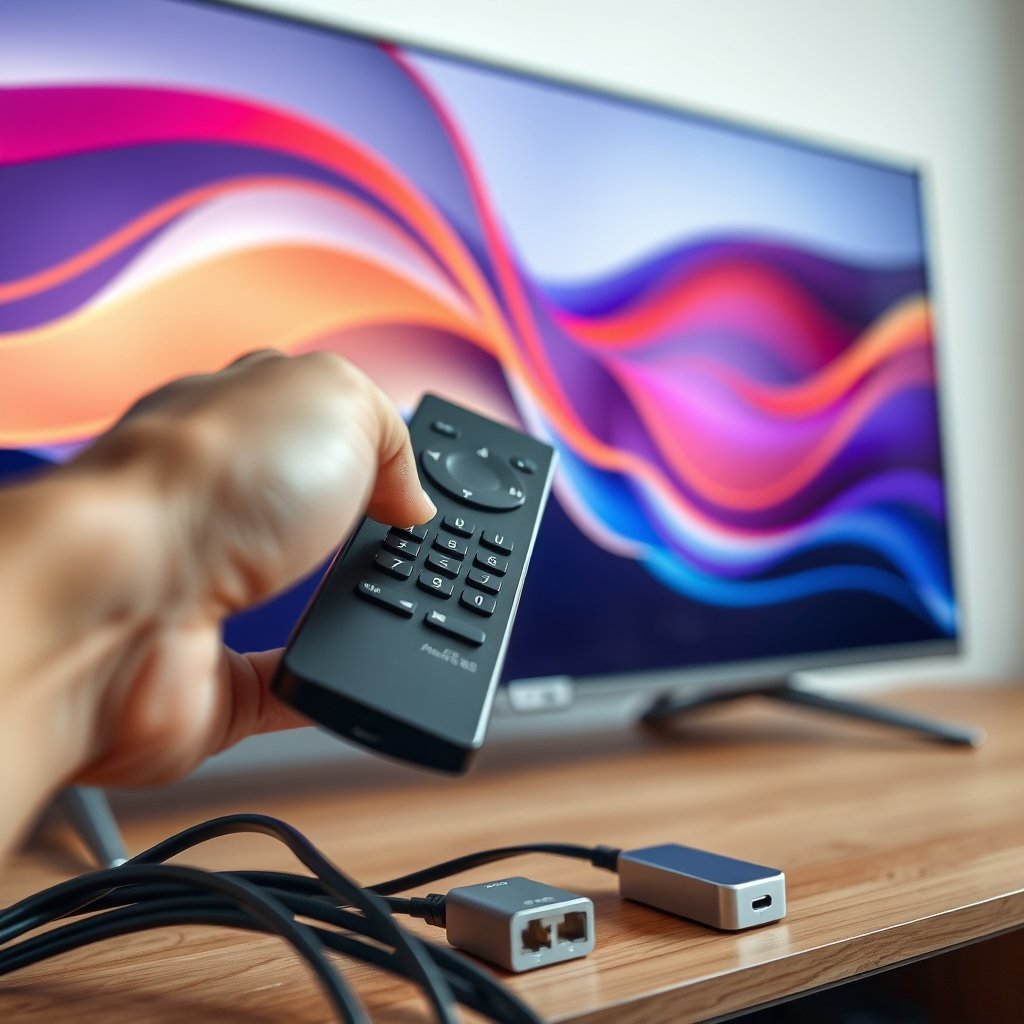
Your Fire Stick’s connection method—Wi‑Fi or Ethernet—has a bigger impact on IPTV British stream stability than the broadband package you pay for. Wi‑Fi from two rooms away can strip out up to 40% of your router’s speed, turning a 60 Mbps line into a borderline 4K feed that stutters right when you don’t want it to. An Ethernet adapter, by contrast, delivers a consistent, full‑speed link that eliminates wireless interference entirely.
Most complaints about UK IPTV buffering happen because the Fire Stick is tucked behind a TV in a bedroom, fighting through walls and competing with other Wi‑Fi gadgets. Even a strong 5 GHz signal degrades faster than you’d think when distance and obstacles are involved. The simple act of adding an Amazon Ethernet adapter for a few quid transforms your setup: you’ll hold that 4K stream without drops during a live event, and bitrate spikes won’t throw the picture into a loading spiral.
We’ve seen customers with a 35 Mbps fibre line obtain rock‑solid 4K after switching to Ethernet, while others on 70 Mbps Wi‑Fi still suffered buffering because of router placement. The lesson is simple: control what you can control first. The rest of this guide will explain how our servers handle the parts you can’t. For a full Fire Stick setup walkthrough, check our IPTV Firestick installation guide.
The Hidden Cause of Buffering (And How VIP Servers Fix It)
Buffering on an IPTV UK subscription often has nothing to do with your broadband. It’s the provider’s server architecture that buckles during peak hours. When thousands of viewers hit the same infrastructure at 8 pm, you get packet loss, stuttering, and grey loading circles—even on a perfect 100 Mbps line. Most review sites never show you uptime percentages, concurrent user limits, or bitrate consistency data, so you’re buying blind.
Our 2026 investigation into the top IPTV United Kingdom comparison pages found that these server‑side reliability metrics are almost entirely absent. Providers brag about channel counts and app compatibility but never disclose how their content delivery network performs when it matters most. That’s akin to buying a car without knowing its engine capacity.
British IPTV runs dedicated VIP servers equipped with anti‑freeze technology that actively redistributes load and corrects stream errors in real time. The result is a 99% uptime guarantee and consistent 4K delivery, even during Champions League finals or Saturday evening film releases. When you use the free trial, you’re stress‑testing those servers on your own appliance—no marketing fluff, just practical proof. If you’re evaluating what separates a premium service from the rest, our best IPTV service UK breakdown dives deeper into the technical criteria that actually matter.
Pricing and Plan Comparison – The True Value of Longer Subscriptions
British IPTV offers straightforward IPTV UK pricing with no contracts and no hidden fees. Longer commitments unlock serious savings: a 12‑month plan costs £50, which works out at just £4.17 per month—less than the price of a sandwich. Every tier includes full access to VIP servers, 4K and 8K content, and all PPV events, so you’re never paying extra for the features that matter.
| Plan | Price | Monthly Equivalent | Features |
|---|---|---|---|
| 1 Month | £12 | £12.00 | Full access, VIP servers, free trial available |
| 3 Months | £25 | £8.33 | Full access, VIP servers, free trial available |
| 6 Months | £35 | £5.83 | Full access, VIP servers, free trial available |
| 12 Months | £50 | £4.17 | Full access, VIP servers, free trial available |
The free trial lets you validate 4K stability, EPG accuracy, and overall performance before committing to any paid plan. Once you’re satisfied, the longer plans are a no‑brainer for regular viewers who want premium IPTV in the UK without monthly bills piling up. For a detailed look at what a quality subscription should include, read our IPTV subscription UK 2026 guide.
Supported Devices – From Smart TVs to MAG Boxes
Your IPTV British setup works across almost every screen you already own. The service supports Amazon Fire Stick, Android TV boxes, Samsung and LG Smart TVs, MAG boxes, iOS and Android phones, and Windows PCs. Among UK users, the Fire Stick remains the number‑one device, and for good reason—it’s small, affordable, and pairs perfectly with an Ethernet adapter for 4K stability.
Setup is intentionally simple. If you use a Smart TV, you can sideload our app or use IPTV Smarters Pro—a popular player that works on almost all platforms. Our IPTV Smarters Pro complete setup guide walks you through installation for every operating system. MAG box owners get dedicated portal support, and mobile users can stream on the move with the same credentials. No matter which device you choose, you’ll want to follow the Ethernet advice from earlier; a wired Fire Stick or Android box almost always out‑performs an expensive Wi‑Fi‑only TV.
If you’re ready to start, our buy IPTV UK page explains how to choose the right plan and activate your service in minutes.
Streaming Quality – HD, FHD, 4K, and 8K with Bandwidth Requirements
Each streaming resolution demands a specific slice of your broadband speed, and understanding that helps you pick the right quality for your line. HD (720p) needs around 5–10 Mbps, Full HD (1080p) asks for 15–20 Mbps, 4K requires a stable 30+ Mbps, and 8K will need at least 80–100 Mbps of sustained throughput. British IPTV delivers content up to 8K, but you’ll want to test your real connection first—especially during peak hours.
In typical UK households, 4K is the sweet spot. It offers a night‑and‑day improvement over HD without punishing an average fibre line. Switching to 8K on a TV that supports it is an option, but even in 2026 only a minority of home setups can sustain the necessary bandwidth consistently. The good news is that our adaptive streaming adjusts dynamically; if your speed dips temporarily, quality reduces smoothly instead of triggering buffering.
An IPTV UK subscription with British IPTV gives you access to all these resolutions on the same plan. You can manually select the stream quality in your player app or let the software optimise for your connection. Paired with the free trial, you can see exactly how 4K and 8K perform on your own Fire Stick or Smart TV before you pay a pound.
Privacy and Anonymity – What You Should Expect
Your online viewing should stay your business. British IPTV operates with a strict no‑logs policy, encrypted stream connections, and anonymous payment options that require nothing more than an email address to get started. Whether you choose to use a VPN is entirely up to you—our service is fully compatible with all major VPN providers, and many UK customers run one for an extra layer of privacy.
The UK IPTV landscape sometimes throws up vague concerns about data collection, so we make it simple: we don’t store what you watch, for how long, or from where. Your account exists to deliver the stream, not to build a profile. Activation happens within minutes, and you can cancel anytime without leaving a data trail behind.
This straightforward approach means you can test the service via the free trial without worrying about spam or hidden clauses. All you need is a device and an internet connection—no phone number, no address, no fuss. That’s the level of discretion a premium service should offer.
Try Before You Commit – The Free Trial That Puts Performance First
The free trial is the most transparent way to experience IPTV in the UK before you spend a penny. You can load it onto your Fire Stick, Smart TV, or phone during peak evening hours and judge for yourself: does 4K hold steady? Does the EPG populate accurately? Are the sports channels and PPV events crisp and uninterrupted? No credit card tricks, no automated renewal—just an honest preview of what you’d get as a subscriber.
Our research shows that UK viewers rank buffering and EPG accuracy as their top two frustrations. The free trial lets you verify both at a time when other providers often crumble. Because our VIP servers are built to handle peak loads, the performance you see during the trial is exactly what you’ll get on a paid plan. For an exhaustive look at how to evaluate a trial properly, read our IPTV free trial UK guide.

In a market full of vague promises and missing data, a genuine free trial is the ultimate confidence builder. It shifts the risk away from you and forces the service to prove itself on your own setup. That’s why British IPTV has become the UK’s #1-rated IPTV subscription—because when performance is put to the test, we don’t just talk, we deliver.
📲 Get British IPTV via WhatsApp – 24/7 UK Support
Free trial available. No contracts. Money-back guarantee.
Frequently Asked Questions
What internet speed do I need for 4K IPTV UK?
A sustained 30 Mbps is the baseline for 4K, but we recommend 40–50 Mbps to absorb bitrate spikes and household usage. Test your speed with an Ethernet‑connected device during peak hours for the most accurate picture.
Can I use IPTV on multiple devices at once?
British IPTV supports simultaneous streaming depending on your plan. Most subscribers use it on a main TV plus a mobile device without issues. Check the plan details during signup for multi‑screen allowances.
Does British IPTV come with a free trial?
Yes, a genuine free trial is available to all new customers. You can test the full service on your own Fire Stick, Smart TV, or other device during peak hours before any payment is taken.
How do I set up IPTV on my Fire Stick?
Install an IPTV player like Smarters Pro, enter the credentials we provide, and you’re ready. Adding an Ethernet adapter dramatically improves 4K stability. Step‑by‑step instructions are in our Firestick guide.
Is my data safe when using IPTV?
British IPTV encrypts connections, keeps no activity logs, and accepts anonymous payments. Your viewing habits remain private, and using a VPN is fully supported if you prefer an extra layer of security.
Can I watch 8K content with British IPTV?
Yes, 8K streams are available. You’ll need a reliable internet speed of at least 80–100 Mbps and an 8K‑compatible device. The free trial lets you verify if your setup can handle it.